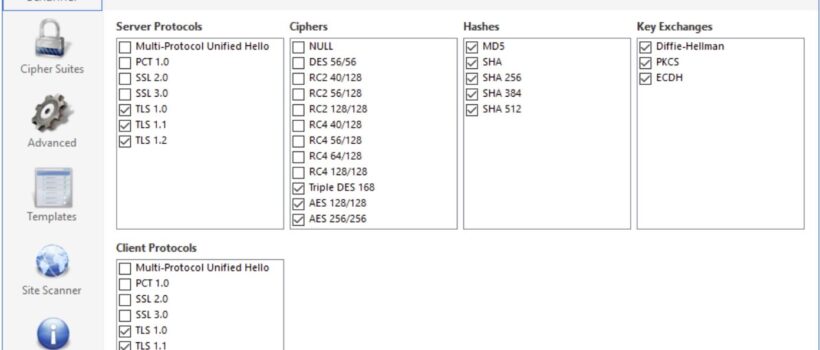
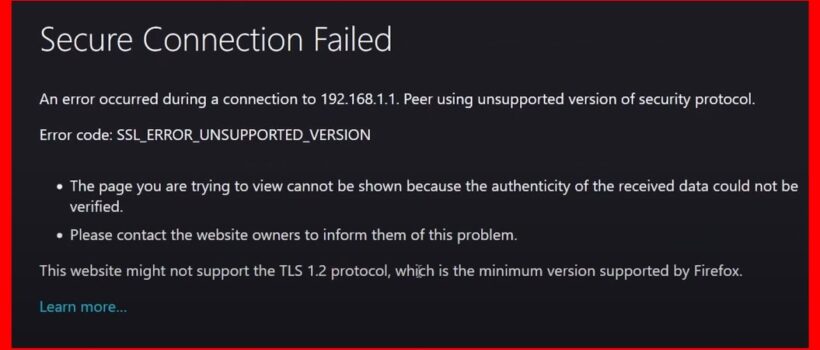
The SSL_ERROR_UNSUPPORTED_VERSION error indicates that the website you are trying to visit uses an outdated and insecure version of the Transport Layer Security (TLS) protocol, which Chrome and Edge no longer support by default.
Firefox enforces a minimum of TLS 1.2 or higher for security, but you can use Firefox to get around this if you need to move forward.
If you understand the security risks and need to access the site, you can temporarily lower Firefox’s minimum required TLS version:
- In the Firefox address bar, type about:config and press Enter.
- Click Accept the Risk and Continue on the warning page.
- In the “Search preference name” box, type security.tls.version.min.
- Click the pencil icon next to the search result.
- Change the value from the default (which is likely 3 for TLS 1.2) to 1 (for TLS 1.0).
- Open the website in a new tab.
Revert this change by setting the value back to 3 as soon as you are done accessing the insecure website to ensure your browser remains secure for general browsing.